Beyond VR: Why Tribe XR's Desktop Mode Is More Than Just a DJ App
Introduction
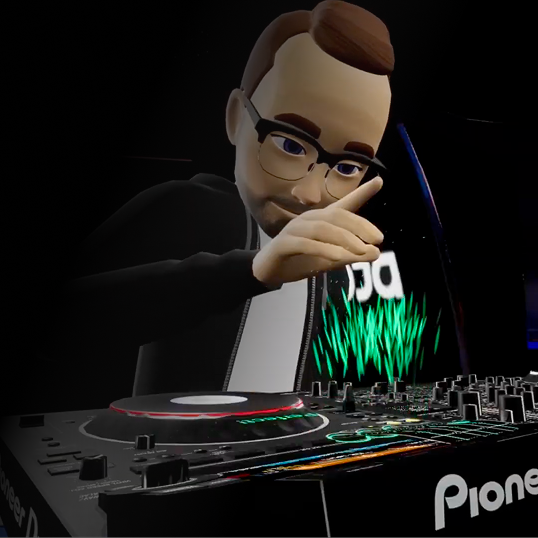
There are plenty of DJ applications that let you mix music from your computer. Tribe XR Desktop Mode & Web Player takes a different approach.
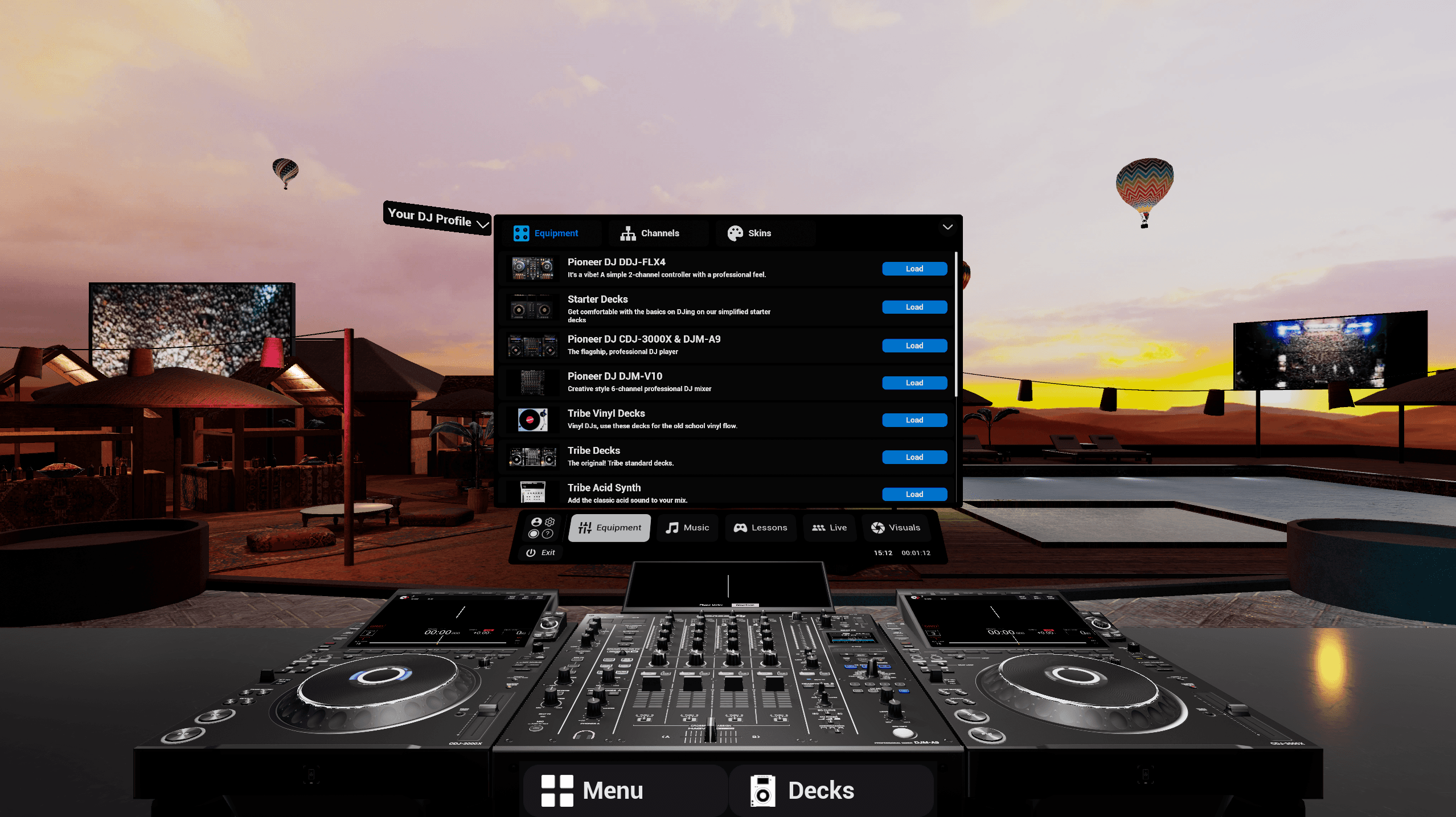
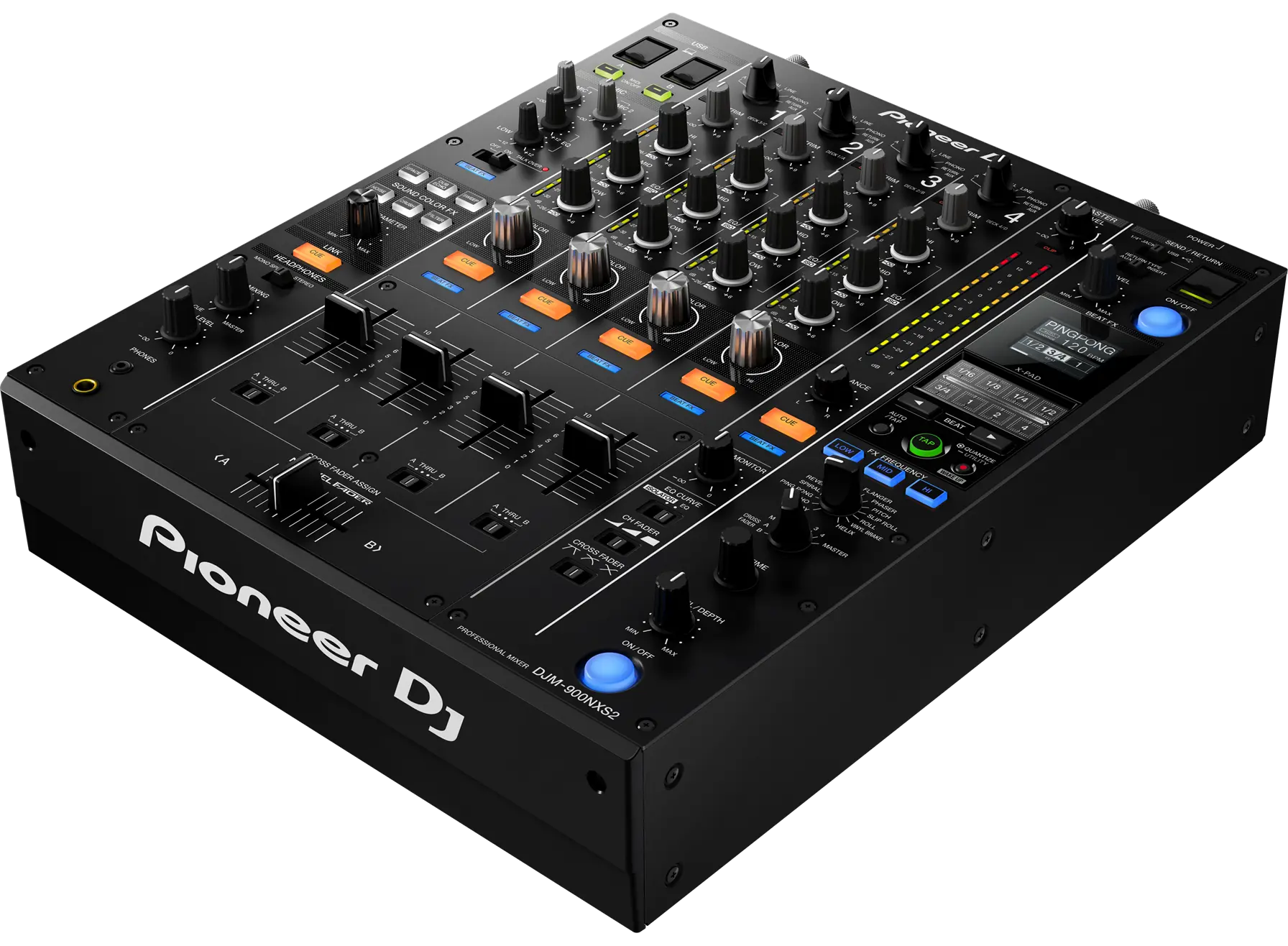
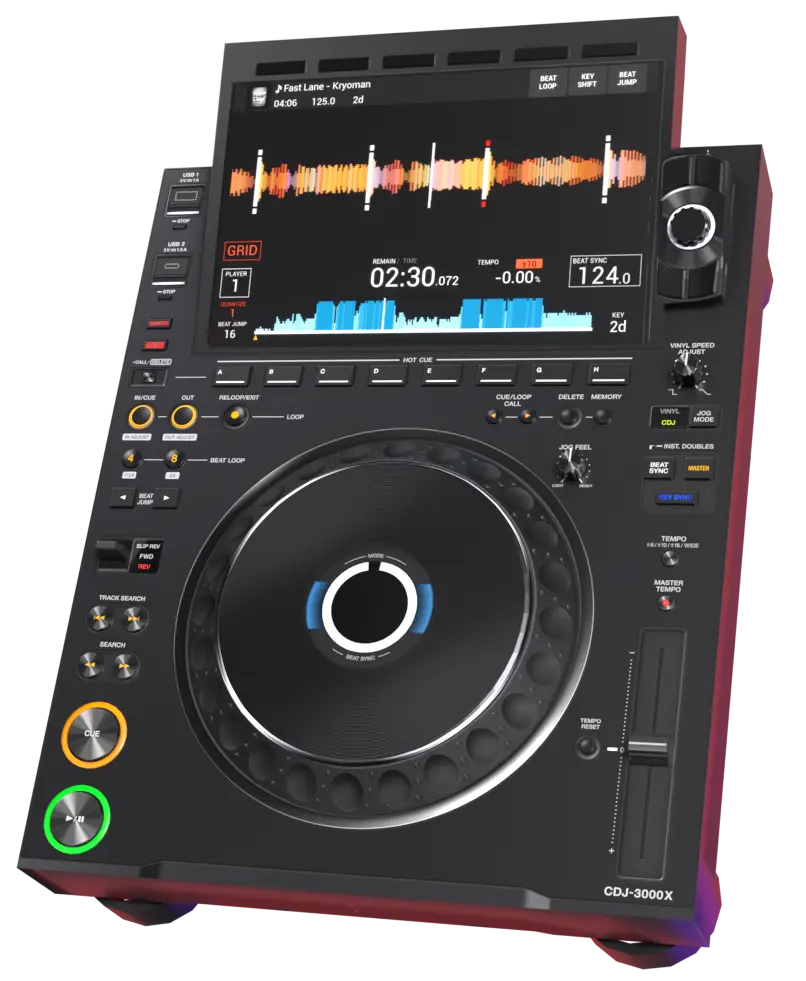
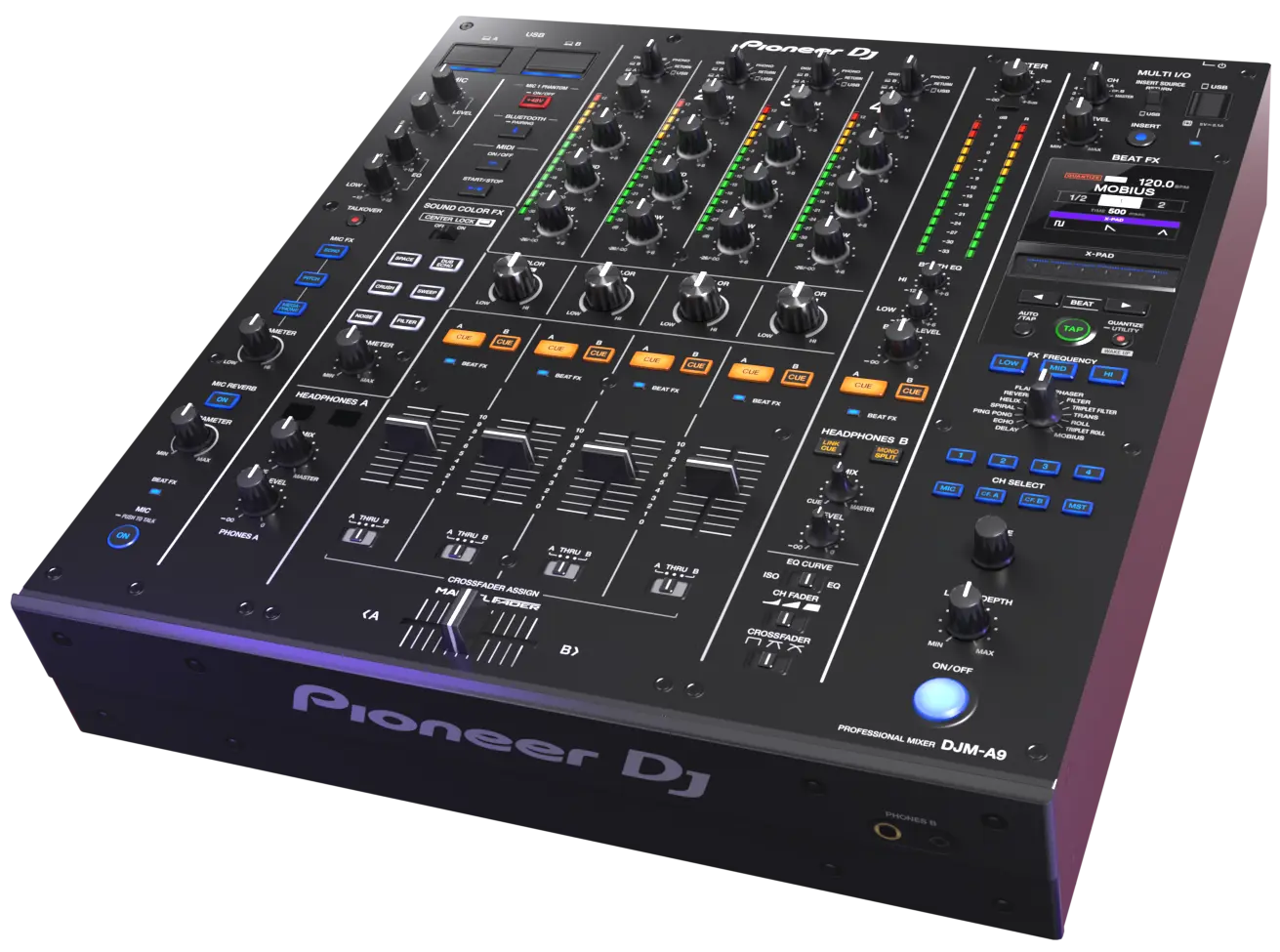
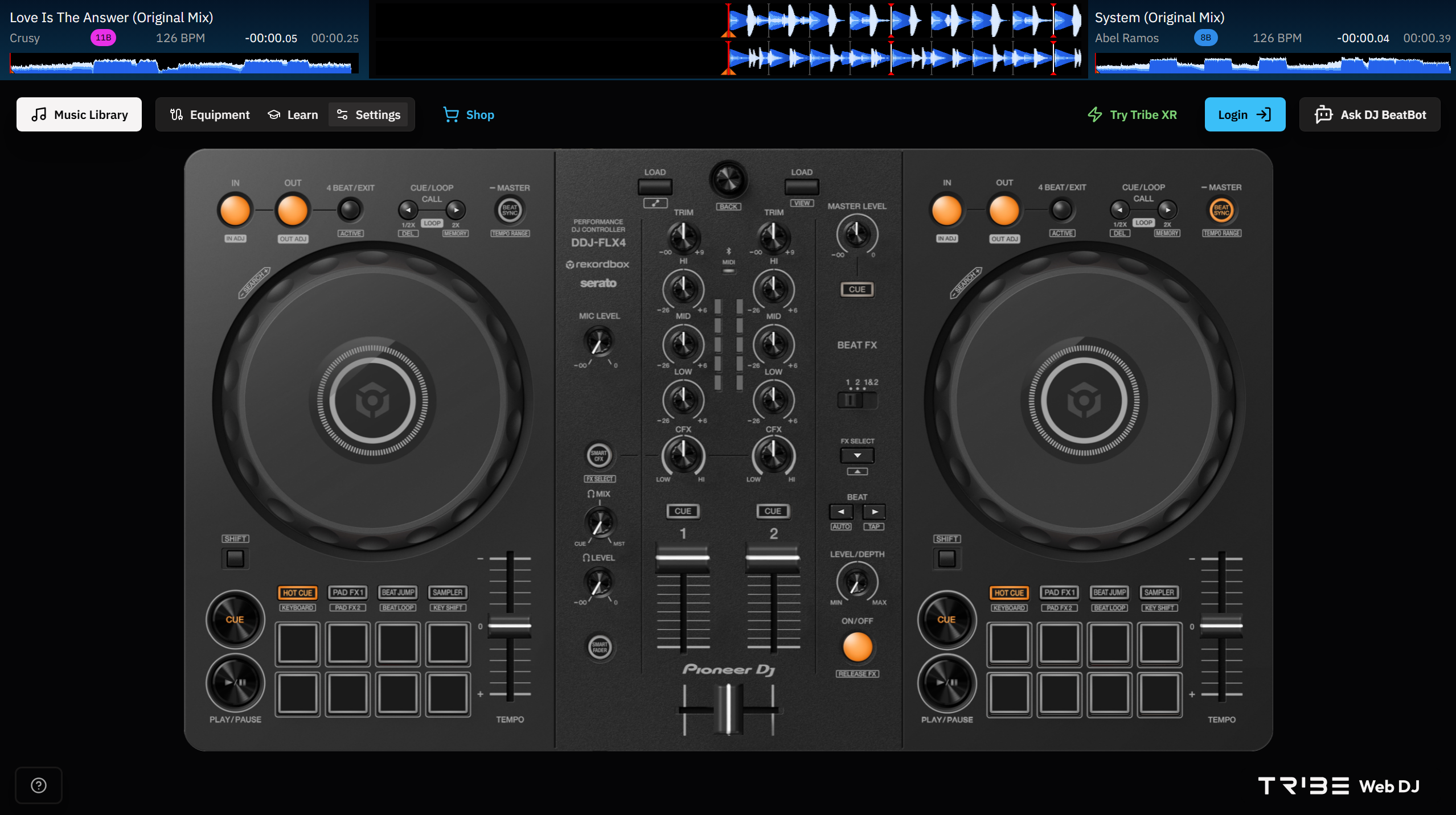
Rather than recreating a simplified controller, it gives you access to virtual versions of industry-standard Pioneer DJ equipment, helping you learn the mechanics of real gear and building confidence that translates directly to real-world setups.
And because it's still part of the Tribe XR ecosystem, you're not practising alone.
More Than Just Mixing
Desktop Mode isn't simply another way to control decks with a mouse and keyboard.
It's an extension of the Tribe XR experience.
Whether you're waiting for your headset to charge, travelling, or simply don't have access to VR, you can continue learning without interrupting your progress.
Learn on Industry-Standard Equipment
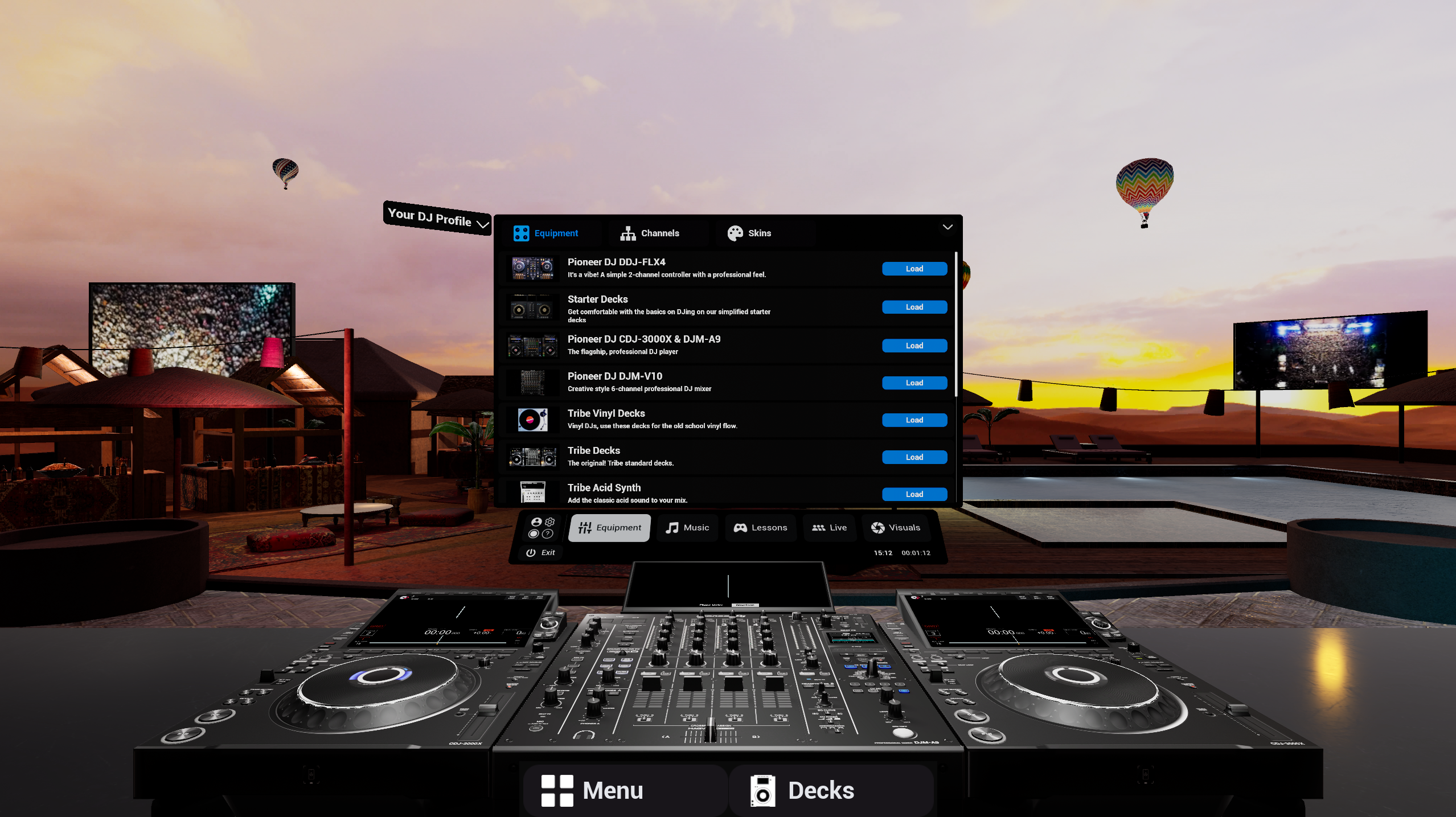
You may be keen to buy your first controller and want to try out the Pioneer FLX4 before committing. Tribe has you covered, and you get to grips with the basics before you get the real thing.
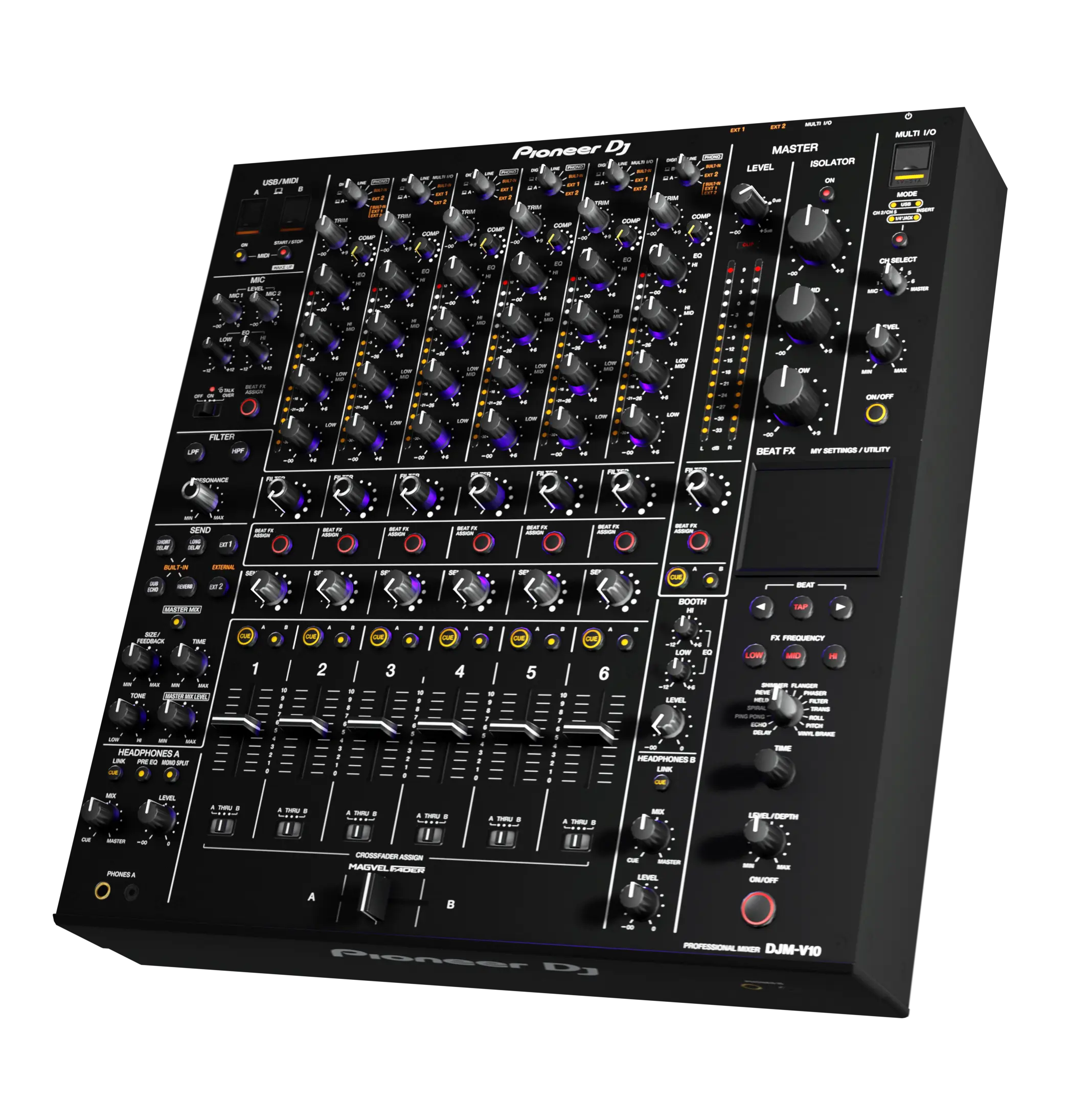
But one of Tribe XR's biggest strengths is that you can learn on layouts that replicate professional Pioneer DJ gear.
That means the skills you develop aren't locked to a specific app, they're transferable.
You'll become familiar with the workflow used by DJs in clubs, festivals and studios around the world, making the transition to physical equipment feel far more natural.
Join Events and Learn Together
Unlike many desktop DJ applications, Tribe XR isn't just software, it's a community.
Desktop users can still:
- Join community events
- Attend workshops and meetups
- Practise alongside other DJs
- Take part in lessons and guided learning
- Stay connected through Discord and community.
You're still part of the same Tribe, whether you're in VR or on your desktop.
Continue Through the Built-In Lesson Packs
If you're learning to DJ, consistency matters.
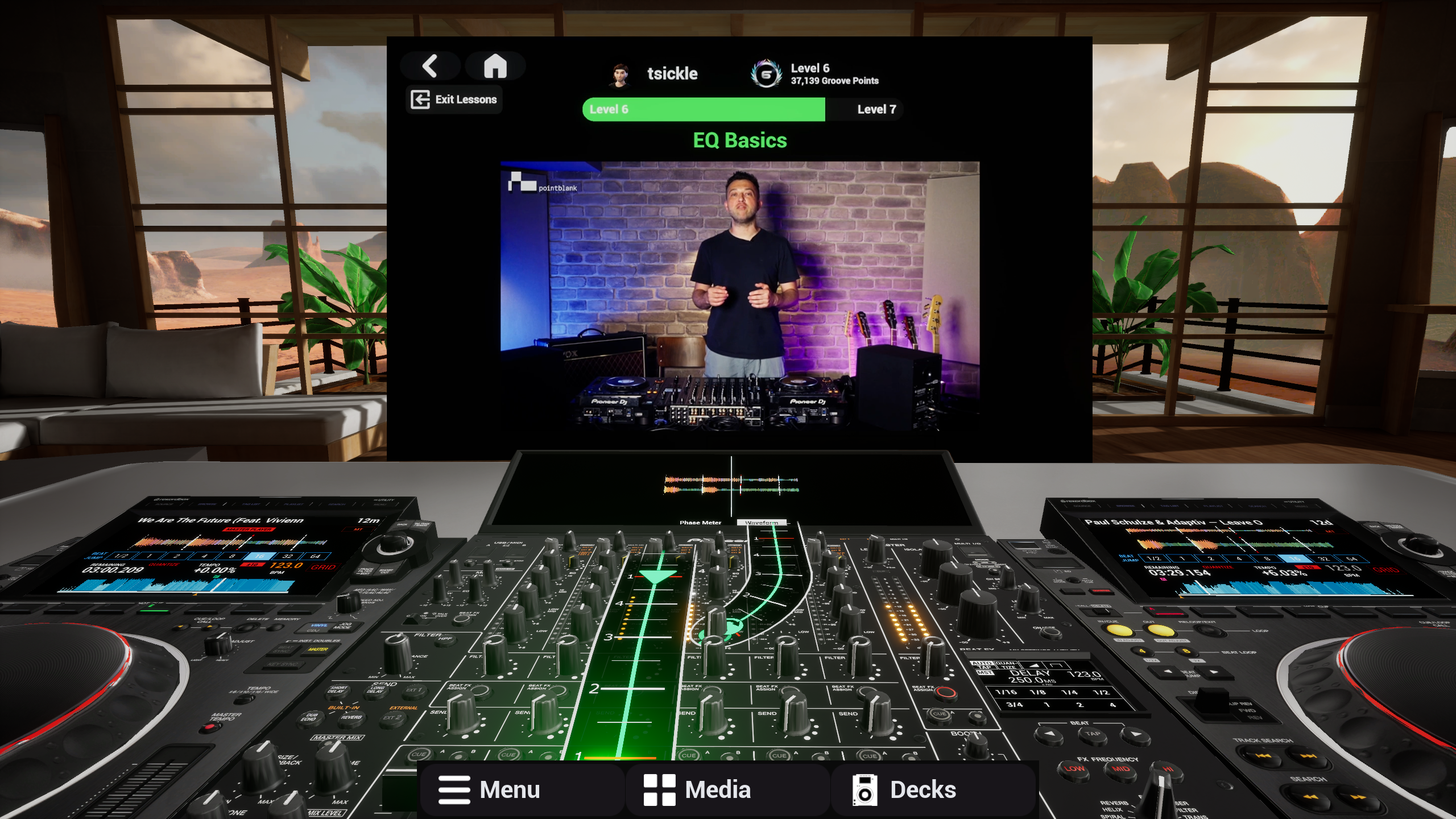
Desktop Mode gives you access to Tribe XR's structured lesson content, allowing you to continue progressing even when VR isn't an option.
Instead of putting your learning on hold, you can keep developing your skills whenever you have a spare hour.
Learn with Tribe Mentors, Carl Cox @ Pete Tong DJ Academy, or jump into our newest lesson from Point Blank Music School.
Introducing the Web Player
The Web Player makes Tribe XR even more accessible.
There's nothing to install, simply launch it from your browser and jump straight in.
While today's Web Player focuses on quick access, future plans include introducing more social features, making it another way to stay connected with the community wherever you are.
Try for free here: https://dj.tribexr.com/
Why It Matters
The best learning happens when barriers disappear.
By supporting VR, Desktop Mode and the Web Player, Tribe XR makes it easier to practise consistently, join events, and become part of a thriving community, regardless of what hardware you have available.
The headset may be where the immersion happens.
The community exists everywhere.
Key Takeaways
- Desktop Mode is more than a traditional DJ application.
- Learn on virtual industry-standard Pioneer DJ equipment.
- Continue through Tribe XR's built-in lesson packs.
- Join events and remain part of the community.
- Use the Web Player for instant access with no installation.
- Learn wherever you are, whether you're in VR or not.